
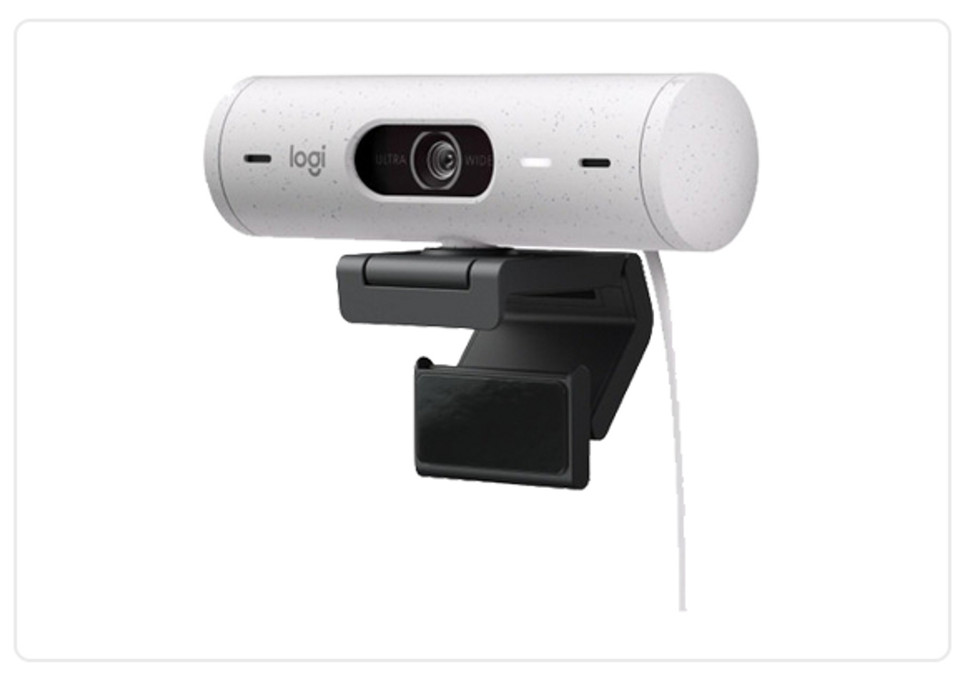
Logitech BRIO 500 vs. C920: Which Webcam Is Right for You?
Brett Fisher on 1st Jan 2026
Key Takeaways
- The Logitech BRIO 500 is the ideal choice for professionals and business applications due to its higher frame rate, adjustable field of view, noise-reducing microphones, state-of-the-art AI technologies, and modern USB-C connectivity.
- The Logitech C920 is a dependable webcam that punches above its price point, but it’s better suited for casual users due to its lower frame rate, fixed field of view, standard stereo microphones, less sophisticated AI, and outdated USB-A connectivity.
The right webcam can transform how you communicate, collaborate, and deliver presentations. The Logitech BRIO 500 and Logitech C920 are both excellent webcams worth considering.
In this in-depth comparison guide to the Logitech BRIO 500 vs. C920, we highlight specs and features, weigh pros and cons, and provide targeted recommendations. Here’s everything you need to know to make an informed decision.
Tech Specs: What's Under the Hood
Let’s begin by analyzing the core features and specifications included with each webcam. From there, we’ll dive deeper and compare and contrast why those specs matter and how they affect your video conferencing experience.
Key Differences: Quick Comparison Guide
|
Feature/Spec |
Logitech Brio 500 |
Logitech C920 |
|
Video Output Quality |
1080p at 30 fps or 720p at 60 fps |
1080p or 720p at 30 fps |
|
Field of View |
Adjustable 90°/78°/65° |
Fixed 78° diagonal |
|
Lens and Sensor |
4 MP autofocus glass lens |
3 MP fixed focus lens |
|
Zoom Capability |
4x digital zoom |
1.2x digital zoom |
|
Audio Capture |
Dual noise-reducing stereo mics |
Dual stereo omnidirectional mics |
|
Compatibility/Connectivity |
USB-C / Windows 8 and above, macOS 10.10 and above, ChromeOS, and Android |
USB-A / Windows 8 and above, macOS 10.10 and above, ChromeOS, and Android |
|
Platform Certifications |
Certified for Google Meet, Microsoft Teams, and Zoom Rooms |
Certified for Zoom Rooms; compatible with Google Meet and Microsoft Teams |
|
Mounting |
Detachable universal mounting clip for monitors/displays/laptops |
Universal clip for monitors/laptops; 1/4-inch thread for tripod |
|
Software Integration |
Logi Tune (full feature control), Logitech Capture, Logitech Sync |
Logi Tune (basic feature control), Logitech Capture, Logitech Sync |
|
Other |
RightSight, RightLight 4, privacy shutter |
RightLight2 |
|
Price |
$129.99* |
$69.99* |
*Prices are accurate at the time of writing.
Logitech BRIO 500
Now that you’re familiar with the fundamental differences between the Logitech BRIO 500 vs. C920, let’s dive deeper.
The Logitech BRIO 500 is a versatile, well-rounded webcam that’s engineered to cover the needs of video conferencing in the modern era.
- Video Output Quality:
In a professional setting, resolution and fps (frames per second) are crucial factors to keep in mind. Higher resolutions deliver higher clarity and crispness; higher frame rates ensure that visuals are smooth and accurate.
The BRIO 500 delivers crisp, smooth visuals at 1080p (Full HD) resolution with 30 fps (frames per second) or 720p (HD) resolution at 60 fps.
- Field of View:
When comparing the Logitech BRIO 500 vs. C920, note that the BRIO 500 has an adjustable diagonal field of view (FoV), which lets you choose 90°, 78°, or 65° angles.
This feature ensures that users can easily make adjustments based on the room size and number of participants. An adjustable FOV is important for professional settings because it allows the webcam to accommodate different workspace and crowd sizes.
- Lens and Sensor:
The BRIO 500 has an autofocus glass lens that offers outstanding clarity and durability, as well as a 4 MP (megapixel) sensor for sharp, highly detailed visuals.
- Zoom Capability:
The BRIO 500 has a 4x digital zoom capability, allowing users to focus closely on details during presentations and meetings.
- Audio Capture:
A big difference between the Logitech BRIO 500 vs. C920 is that the BRIO 500 comes equipped with dual noise-reducing stereo microphones capable of capturing crisp, clear audio from up to 48 inches (4 feet).
Noise-reducing microphones are very important for professional applications, especially in busy offices. This thoughtful feature is one of the primary reasons why the C920 may not be the best choice for businesses and organizations that require pristine audio.
- Compatibility and Connectivity:
If you plan on integrating your webcam with existing video conferencing infrastructure, it’s very important to make sure that the webcam has compatible connections.
Another very important factor to note when comparing the Logitech BRIO 500 vs. C920 is that the BRIO 500 uses a USB-C interface, which is the modern standard for high-speed data transfers. The C920 uses the outdated USB-A connection.
The BRIO 500 is compatible with Windows 8 and above, macOS 10.10 and above, ChromeOS, and Android.
- Platform Certifications:
The BRIO 500 is certified for Google Meet, Microsoft Teams, and Zoom Rooms. - Software Integration:
1. Logi Tune: Users have full control over the BRIO 500, including adjusting the field of view, auto framing, and zoom.
2. Logitech Capture: This free software can be used for content creation, including video recording, editing, and streaming.
3.Logitech Sync: Allows IT teams to manage, monitor, update, and troubleshoot the webcam remotely.
Other Noteworthy Features
Here are some miscellaneous features to consider when comparing the Logitech BRIO 500 vs. C920:
- RightSight Technology: AI-powered technology automatically frames participants in the center of the screen even when they’re moving.
- RightLight 4 Technology: This AI-driven technology adjusts visuals automatically based on the current lighting conditions in real time.
- Privacy Shutter: A built-in privacy shutter blocks the lens when the webcam isn’t in use.
- Mounting Solutions: Comes with a detachable universal mounting clip that can be used with monitors, displays, and laptops for adaptable positioning.
Logitech C920
When comparing the Logitech BRIO 500 vs. C920, keep their prices in mind. The BRIO 500 has a more robust suite of features, but it’s also more expensive. The C920 is a solid webcam that offers a lot for the price, but it may not be advanced enough for power users.
- Video Output Quality:
The Logitech C920 supports 1080p and 720p resolutions, both at 30 fps. Although it lacks the BRIO 500’s higher 60 fps option, 30 fps is still suitable for professional use. - Field of View:
The C920 has a fixed diagonal FoV of 78°, which strikes an ideal balance that’s suitable for individuals or small rooms. However, only one FoV setting can be limiting, depending on your needs.
- Lens and Sensor:
In this category, the difference between the Logitech BRIO 500 vs. C920 is negligible, but the C920 comes in slightly behind with an autofocus glass lens and a 3 MP sensor.
That single missing megapixel won’t make a major difference, but it’s still worth mentioning.
- Zoom Capability:
Notably, the C920 only has a 1.2x digital zoom capability, which may not be ideal for users who need to be able to focus in on fine details.
- Audio Capture:
The C920 has dual-integrated omnidirectional microphones that can capture clear audio from 39 inches (1 meter) away, making it better suited for one-on-one calls and smaller environments.
- Compatibility and Connectivity:
This is another area where the BRIO 500 clearly comes out ahead when comparing the Logitech BRIO 500 vs. C920. The C920 uses an outdated USB-A connection. It’s compatible with the same operating systems as the BRIO 500.
- Platform Certifications:
The C920 is certified for Zoom Rooms and compatible with Google Meet and Microsoft Teams.
- Software Integration:
The C920 is also compatible with Logi Tune, Logitech Capture, and Logitech Sync. However, Logi Tune control isn’t as deep. Users are limited to basic controls like adjusting colors and focus.
Other Noteworthy Features
- RightLight 2 Technology: AI-powered technology automatically optimizes visuals for current lighting conditions in real time. Note that the C920 has RightLight 2, which is less advanced than RightLight 4.
- Mounting Solutions: The C920 has a universal clip for attaching it to monitors or laptops. It also has a 1/4-inch thread for mounting to a tripod.
Logitech BRIO 500 vs. C920: Pros and Cons
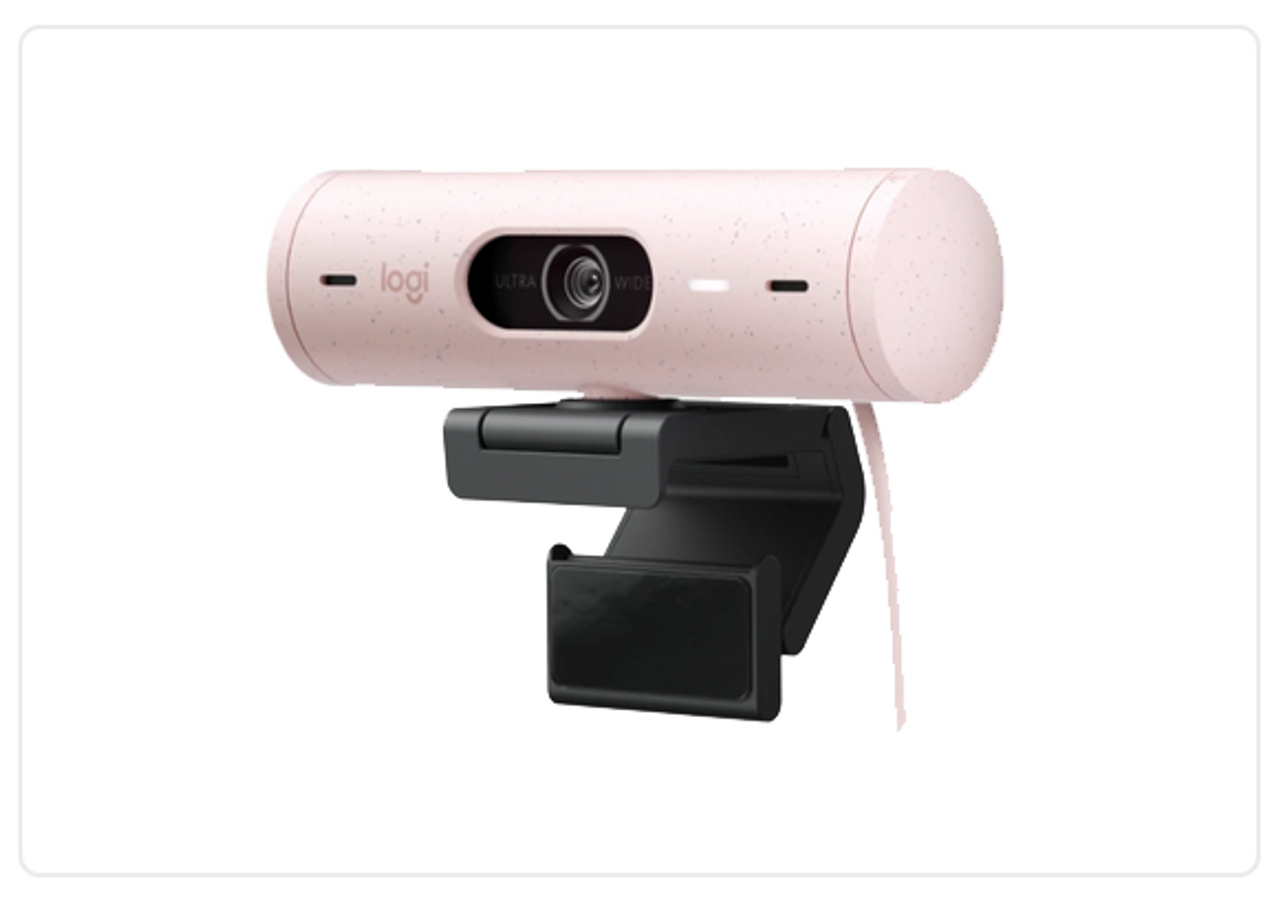
Logitech BRIO 500
Pros
- Adjustable Field of View: Three adjustable FoV settings for more flexibility.
- Auto-Framing: RightSight technology automatically centers participants.
- 4 MP Sensor: Delivers crisp visuals.
- Superior Lighting Tech: RightLight 4 optimizes visuals for lighting conditions.
- Privacy: Integrated privacy shutter blocks the lens when the camera is inactive.
- Modern Connection: Plug-and-play USB-C connection is the modern standard.
- Audio Capture Distance: Picks up clear audio from up to 48 inches away.
- Certifications: Certified for the major video conferencing platforms.
Cons
- Higher Price: BRIO 500 costs more but is also equipped with superior specs and features.
- Steeper Learning Curve: Robust suite of advanced features may be intimidating to non-technical users.
Logitech C920
Pros
- Full HD: There’s no difference in resolution for the Logitech BRIO 500 vs. C920, as they both support 1080p.
- User-Friendly: Intuitive plug-and-play functionality is ideal for non-technical users.
- Compatibility: Compatible with all major operating systems and platforms.
- Flexible Positioning: Universal clip and 1/4-inch thread for adapting to various configurations.
- Lower Price: Delivers excellent value for the cost.
Cons
- Fixed Field of View: One FoV setting may be limiting.
- Lower Frame Rate: Maximum frame rate of 30 fps is still suitable for professional use.
- 3 MP Sensor: Despite the lower resolution, it remains sufficient for professional applications.
- Lower Audio Pickup Range: 39-inch audio capture may be limiting in larger workspaces.
- Older Tech: Uses USB-A connection. Other features aren’t as cutting-edge.
Logitech BRIO 500 vs. C920: Which Should You Choose?
Now that you have a firm grasp on what both webcams bring to the table, here are common user profiles to help you decide which one is the right fit.
The Brio 500 Is Right For:
Business Applications
If you're looking for a versatile webcam that excels in different environments and can handle the latest video conferencing technologies, we recommend the BRIO 500. It’s perfect for virtual meetings, presentations, and video calls, making it an excellent choice for all your communication needs.
Professionals
The BRIO 500 is an excellent choice for professionals, especially those who work remotely. When comparing the Logitech BRIO 500 vs. C920, the standout business-oriented features are the higher frame rate, adjustable field of view, noise-reducing microphones, state-of-the-art AI technologies, and modern USB-C connectivity.
The C920 Is Right For:
Casual Users
If you just need a dependable webcam for content creation, streaming, or infrequent/informal meetings and presentations, the C920 should fit the bill. Although it’s not as advanced as the BRIO 500, it still boasts an excellent bang-to-buck ratio.
Budget-Conscious Shoppers
For the price, the C920 is tough to beat. If you’re on a tight budget and you need a reliable webcam, the C920 will do the job. Just make sure you’re aware of its limitations if you have any deal-breakers like the lack of noise cancellation or USB-A connection.
We’re Here to Help
If you’re still stuck choosing between the Logitech BRIO 500 vs. C920, contact us for a free consultation. We can provide a personalized recommendation based on your unique needs and usage scenarios.
Logitech is a trusted brand that consistently makes top-tier products, and both of these webcams get great reviews. As long as you choose the webcam that has the specs and features you require, either one should impress.
Other Options to Consider
The Logitech BRIO 4K is another top-tier webcam worth considering if you want something a step above the BRIO 500. See our BRIO 500 vs. 4K comparison.
Similarly, the Logitech C925e is a business-oriented upgrade over the C920. There are other similar models in both series, too.
If our guide to the Logitech BRIO 500 vs. C920 hasn’t covered your needs, shop around or give us a call. We carry a wide selection of video conferencing cameras and webcams from all of the best AV brands.
Place Your Order With 100% Confidence
Whether you buy the Logitech BRIO 500 or the Logitech C920, you can count on Chester Springs AV for competitive prices, world-class customer support, and a 30-day satisfaction guarantee.
Explore our desktop video conferencing equipment to find the perfect solution, and place your order with 100% confidence.